Laser Engraved Fabric Labels for Handmade Scrunchies with HiMill D1S
Project Overview
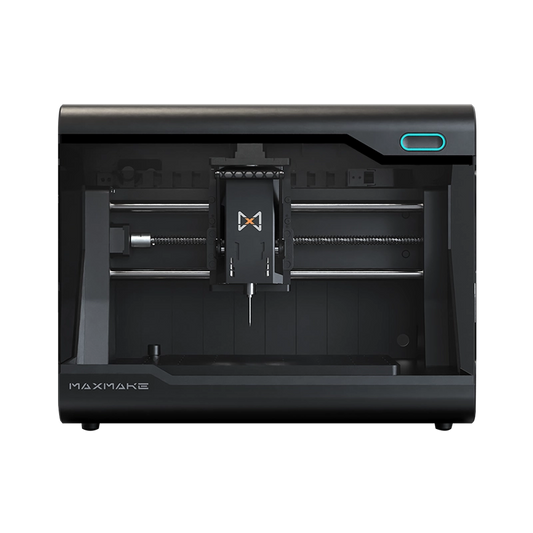
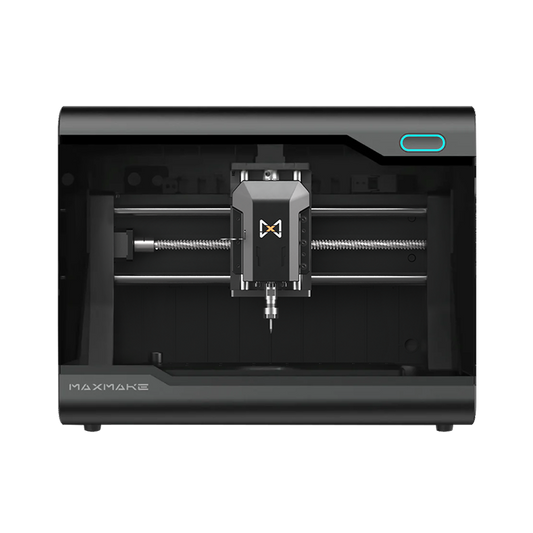
This case study shows how to use the laser module on the MAXMAKE HiMill D1S Desktop CNC for fine engraving on soft cotton-linen fabric. The advantage of laser processing is that it can reproduce delicate linework with precision, such as the girl's hair accessory and leaf details. The lightly scorched engraving edge also creates a vintage, artistic feel.
- Project NameCustom Girl-Style Handmade Scrunchie Fabric Label
- Machine UsedMAXMAKE HiMill D1S Desktop CNC with Laser Module
- Core Material65 mm x 65 mm x 1 mm light-colored cotton-linen fabric
- Processing TimeApprox. 30 minutes
- Difficulty Level2/5, with the key challenge being the balance between power and speed to avoid burning through the fabric

Phase 1: Prep & Design
We designed a calm girl profile illustration and paired it with the handwritten word "Handmade." The label edge is planned with a zigzag cut, which can be made with dedicated pinking shears or laser cutting, adding more visual texture to the finished tag.
Tool Checklist:
- Material: Tightly woven plain cotton or canvas. Light colors make the engraved marks easier to see.
- Fixing Tools: Heat-resistant pressing strips or masking tape, used to flatten the fabric and prevent wrinkling during processing.
- Post-Processing Tool: Pinking shears, depending on the fabric condition.

Phase 2: Laser Parameters
Laser processing on fabric needs a gentle touch. Too much power can carbonize the cloth severely or even ignite it, while too little power can leave the pattern blurry. After multiple tests, we found the most balanced settings:
- Processing Speed: 12%
- Laser Power: 25%
- Estimated Processing Time: 30 minutes
Parameter Notes: A lower speed helps keep the lines continuous, while 25% power is just enough to change the color of the surface fibers and create dark brown marks. At the same time, it helps keep the back side of the fabric intact.
Phase 3: Machining
- Flatten the Fabric: The fabric must lie completely flat against the worktable. Any wrinkle can cause the laser to lose focus and reduce line clarity.
- Focus Calibration: Before processing, manually calibrate the focus distance between the laser head and the fabric surface. This is the key to getting fine lines.
- Smoke Protection: Burning fabric fibers creates a small amount of smoke. Work in a well-ventilated environment and keep the machine's built-in air assist turned on.

Phase 4: Application
-
Edge Trimming, Depending on the Fabric Condition:
- If the fabric edge is already zigzag-cut: After engraving, you can move directly to the next step while preserving the original design feel of the fabric.
- If the fabric edge is straight: We recommend following the shape of the design and using dedicated pinking shears to cut a zigzag edge, as shown in Image 1. This distinctive raw-edge effect better highlights the artistic handmade character and makes the fabric label look more refined.
- Layered Hanging: Overlap the fabric label with the yellow fabric and hang it on the scrunchie as a tag.

The Result
"Handmade" is more than a label. It is a love for everyday life.
- Details: The leaf textures engraved by the laser are clearly visible, and the girl illustration feels vivid and expressive.
- Texture: The dark coffee-brown engraving naturally contrasts with the off-white fabric, creating a look that is durable, soft, and handmade.
- Added Value: Compared with an ordinary scrunchie, a piece with a custom fabric label has stronger recognition and added value at creative markets or as a gift.

Project Files & Downloads
Shared file: Laser Fabric Label
Download Laser Fabric Label Project Files (Google Drive)
The folder includes the base fabric processing file. The cat pattern on the fabric can be replaced with your own custom design, allowing you to create a personalized label of your own.
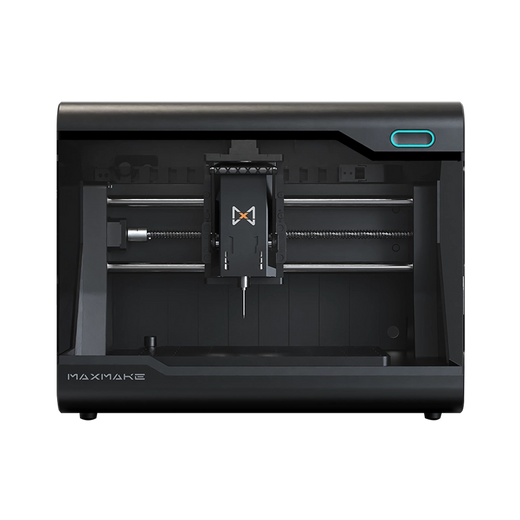
HiMill D1S - Pro Desktop CNC with Ball Screws & QTC
Connect with the MAXMAKE community
Share your projects, discover new ideas, and connect with other makers.
Join Our Community
Share projects, ask questions, connect with makers