[CNC Project] Winter Vibes! DIY "Snowflake Gradient" Christmas Tree with HiMill D1S ❄️🎄
![[CNC Project] Winter Vibes! DIY "Snowflake Gradient" Christmas Tree with HiMill D1S ❄️🎄](http://maxmake.com/cdn/shop/articles/Snowflake_Gradient_Christmas_Tree_with_HiMill_D1S_1100x.png?v=1779683459)
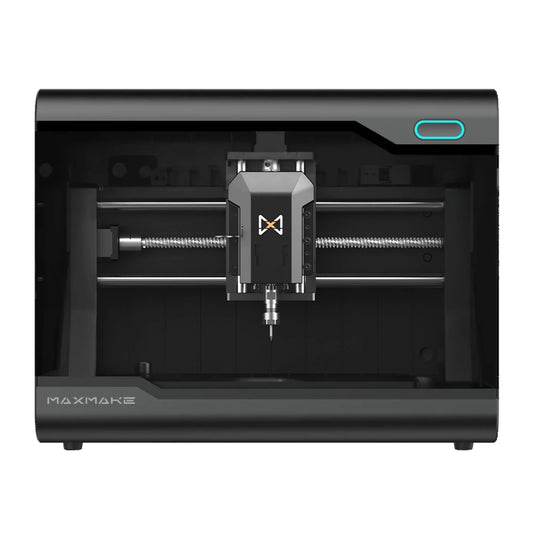
In the season of falling snow, how can you go without a Christmas tree that has its own "Frozen" filter? Today, I’m sharing how to use the HiMill D1S Desktop CNC to transform ordinary plywood into layers of delicate snowflakes.
Combined with a gradient paint job, this exquisite snowflake tree is a perfect winter centerpiece. Full tutorial and DXF files included!
🛠️ Project Overview
- Project Name Snowflake Layered Christmas Tree
- Equipment HiMill D1S Desktop CNC
- Material 3mm Basswood Plywood
- Difficulty ⭐⭐⭐ (Requires precision & patience)
- Machining Time Approx. 2 Hours
📋 1. Preparation
The soul of this project lies in the "layering and spacing" of the snowflake components.
🧰 Bits & Tools
- CNC Routing: 3.175mm (1/8") Single-Flute Spiral Up-cut Bit.
- Laser (Optional): The D1S Laser module can also be used for high-speed engraving.

🪵 Bill of Materials (BOM)
- Stock: 3mm Plywood (Basswood is recommended for its clean finish).
- Spacers: ~12 wooden beads (20mm diameter) for layering.
- Support: Solid wood base and a center dowel/metal rod.
- Finishing: Acrylic paints (Deep Blue, Sky Blue, Light Gray, White).
💻 2. Design & CAM Programming
This tree consists of 10 layers of snowflakes in descending sizes. Precision in the center hole is vital for the rotation mechanism.
Step 2.1: Vector Design
- Bottom Layer: ~150mm diameter.
- Top Layer: ~45mm diameter.
- Hole Diameter: 8.5mm center hole for the main axis.

Step 2.2: CAM Settings
- Spindle Speed: 13,000 RPM
- Feed Rate: 800 mm/min
- Laser Mode (Alternative): 90% Power, 5mm/sec speed.
💡 Pro Tip: Because the snowflake cutouts are intricate, make sure to add "Tabs" (Bridges) in your CAM software to prevent pieces from vibrating or shifting during the final pass.
⚙️ 3. Machining Process
- Workholding: Secure the board firmly using clamps or the blue tape/CA glue method.
- Nesting: Lay out all 10 sizes on a single sheet to maximize material efficiency.
- Cutting: The HiMill D1S handles the sharp corners of the snowflakes with remarkable stability.
🎨 4. Post-Processing & Gradient Painting
- Sanding: Remove tabs carefully. Use sponge sandpaper to reach the intricate snowflake tips.
-
Gradient Technique: Group your snowflakes from largest to smallest.
- Base layers: Deep Blue / Slate Blue.
- Middle layers: Sky Blue.
- Upper layers: Pale Gray to Pure White.

🧩 5. Assembly
Assembling the tree is as satisfying as building blocks:
- Mount the center rod to the base.
- Follow the order: Large Snowflake -> Bead -> Smaller Snowflake -> Bead.
- Repeat until the summit and finish with a decorative star or bead.

🎉 6. Final Showcase
The result is a stunning Nordic-style desk ornament. The beads provide "room to breathe," allowing for beautiful light and shadow effects when the tree rotates.

📥 Download the Resource
Get the DXF files and start your winter project today!
Download Snowflake Files