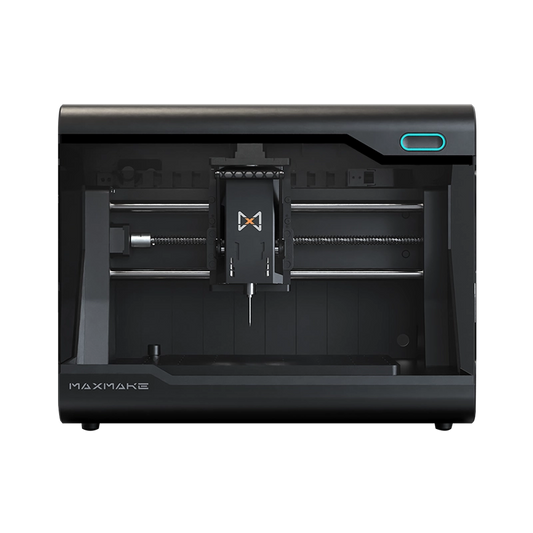
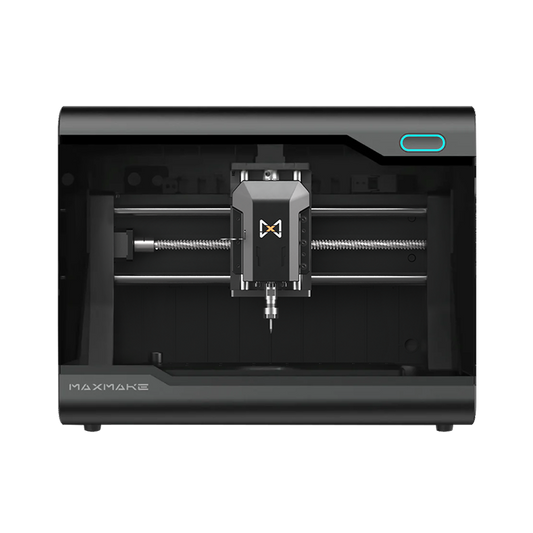
[CNC Project] Welcoming 2026: Crafting a Premium Desktop Perpetual Calendar with HiMill D1S 📅✨
Today, I’m putting the HiMill D1S to the ultimate test! For this 2026 Perpetual Calendar project, I boldly experimented with a hybrid material design: a "Walnut backplate + Aluminum alloy slider."
The fusion of cold, industrial metal with the warmth of natural wood turned out beautifully—the final product looks like a high-end designer piece. Want to know how to stably cut aluminum on a desktop machine? This guide is all you need!
Project Overview
- Project Name 2026 Wood & Aluminum Industrial Perpetual Calendar
- Equipment HiMill D1S Desktop CNC
- Core Challenge Aluminum cutting (rigidity & cooling test)
- Key Features Minimalist style, Brushed texture, Everlasting
- Main Materials Walnut & 3mm 6061 Aluminum Alloy
Preparation
Since we are dealing with "hard-on-hard" machining, material selection and tooling are critical.
Hardware Materials (BOM)
- Aluminum Sheet: 6061 Aluminum is highly recommended (excellent machinability, less "gummy"), 3mm thickness.
- Wood: A dark hardwood like Walnut is ideal to contrast the silver sheen of the aluminum.
- Cooling/Lubricant: Alcohol spray bottle or cutting fluid is mandatory to prevent material welding to the bit.
Recommended Tooling (Aluminum Specific)
Never use a standard 2-flute straight bit for aluminum—it will snap!
- The Secret Weapon: Single Flute Spiral End Mill.
- Why: It provides a large chip clearance area, allowing aluminum chips to be ejected rapidly. Recommended diameter: 3.175mm or 2mm.
- Wood Engraving: Laser module.

CAM Programming Strategy
Machining aluminum is entirely different from wood. The golden rule is: "Slow feed, thin passes."
Step 2.1 Aluminum Slider Settings
To ensure a mirror-like finish on the edges, use these conservative parameters:
- Spindle Speed: 13,000 RPM
- Feed Rate: 200 mm/min
- Step Down: 0.1mm - 0.2mm (CRITICAL!)
Step 2.2 Tolerance Fit
Unlike wood, aluminum has zero elasticity. The fit must be exact. In the design phase, I applied a -0.1mm negative tolerance to the aluminum slider.

CNC Machining Process
The HiMill D1S’s time to shine!
- Wood Processing: Easily handle the digital engraving and outer contour of the Walnut backplate.
-
Aluminum Processing (The Main Event):
- Clamping: Secure the sheet tightly using pressure plates and double-sided tape.
- Lubrication: Spray alcohol every few dozen seconds during the cut.
- Observation: The Z-axis of the HiMill D1S remains rock steady, producing holes with perfect circularity.

Post-Processing: The Brushed Look
- Deburring: Use a deburring tool or fine file to remove sharp aluminum slivers.
- Brushed Finish: Rub the surface repeatedly in a single horizontal direction using a Scotch-Brite pad or 400-grit sandpaper. This creates that high-end "MacBook" texture.
- Oiling: Apply wood wax oil to the Walnut to deepen its tone and bring out the grain.

Assembly & Summary
When the silver brushed aluminum is embedded into the deep walnut grooves, the contrast is stunning. The slider moves smoothly, and the circles align perfectly with the numbers.
Summary: This project proves that the HiMill D1S is fully capable of light metal fabrication. With the right parameters, you can create professional-grade metal crafts at home!

HiMill D1 Desktop CNC Machine
Connect with the MAXMAKE community
Share your projects, discover new ideas, and connect with other makers.
Join Our Community
Share projects, ask questions, connect with makers