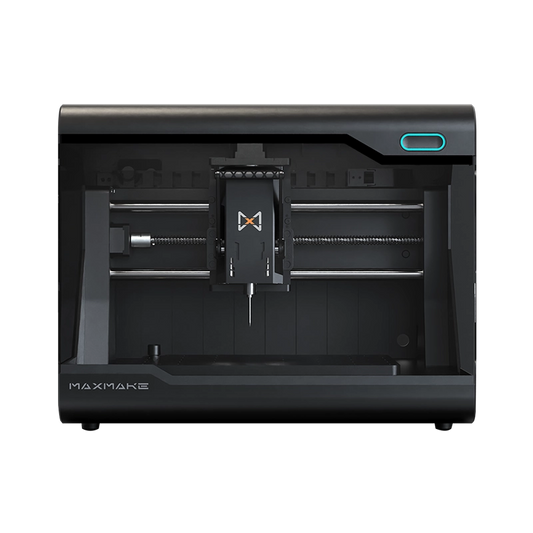
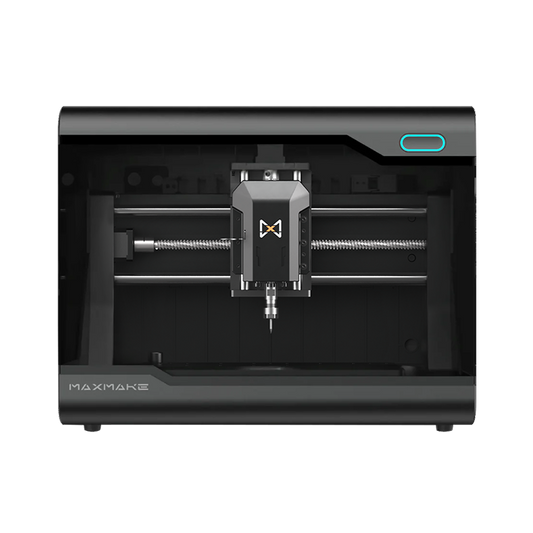
How to CNC Custom Aluminum Artisan Keycaps on the HiMill D1S

Machining metal on a desktop CNC doesn't have to be intimidating. In fact, it's the perfect way to craft high-end, personalized accessories for your workspace.
Today, we're putting the MAXMAKE HiMill D1S to the test by creating the ultimate desk accessory: a custom aluminum artisan keycap. Achieving that premium tactile feedback requires flawless 3D surfacing and dead-on 0.05mm accuracy for the switch stem. We'll walk you through the entire process, including the exact feeds and speeds for micro-machining aluminum. Ready to elevate your keyboard game? Let's dive into the build.
I. Project Overview
| Project Name | DIY Custom Aluminum Artisan Keycap Set |
|---|---|
| Equipment Used | MAXMAKE HiMill D1S Desktop CNC |
| Core Principles | Micro 3D Surfacing + Flat Engraving + Switch Stem Adaptation |
| Use Case | Keyboard Modding, Desk Aesthetics, Custom Gifts, Brand Merch |
| Difficulty Level | Advanced (Requires strict tolerance control for the MX switch stem and surface finishing) |
| Cycle Time | Approx. 16 Hours (Batch processing) |
II. Preparation & Design
The core of an exceptional artisan keycap lies in "precise stem fitment + ergonomic profile + harmonious material finish." Planning your keycap dimensions, height, and relief details ahead of time will exponentially improve your success rate.
1. Materials List
2. Tooling Selection
A universal set optimized for high-speed aluminum keycap machining:

III. CAM Settings (Machining Parameters)
These parameters are tuned for machining small metal parts on a desktop CNC. Plug these into your CAM software, and even beginners can get great results.
A. Metal Keycap Roughing (Universal)
Tool: 3.175mm Single Flute Spiral End Mill (Metal-specific)
Stepover (Ae): 1 mm
Stepdown (Ap): 0.2 mm
Cutting Feed: 200 mm/min
Plunge Feed: 100 mm/min
Spindle Speed: 13,000 RPM
B. Metal Keycap Finishing
Tool: 2.5mm Ball Nose End Mill (Metal-specific)
Stepover (Ae): 0.1 mm
Stepdown (Ap): 0.1 mm
Cutting Feed: 200 mm/min
Plunge Feed: 100 mm/min
Spindle Speed: 13,000 RPM
C. Metal Keycap Pattern Engraving
Tool: 0.2mm Flat Bottom Engraving Bit (Metal-specific)
Stepover (Ae): 0.1 mm
Stepdown (Ap): 0.1 mm
Cutting Feed: 200 mm/min
Plunge Feed: 100 mm/min
Spindle Speed: 13,000 RPM
D. Metal Keycap Cross-Stem Cavity Machining
Tool: 1mm Single Flute Spiral End Mill (Metal-specific)
Stepover (Ae): 0.1 mm
Stepdown (Ap): 1 mm
Cutting Feed: 200 mm/min
Plunge Feed: 100 mm/min
Spindle Speed: 13,000 RPM

IV. Machining Process
The high-precision spindle and stable positioning of the MAXMAKE HiMill D1S ensure that even tiny parts maintain immaculate accuracy, with keycap stem tolerances controlled within 0.05mm.

V. Post-Processing & Assembly
A good post-processing workflow balances precision with a premium feel.

VI. Final Showcase: Illuminate Your Desktop
When exquisite craftsmanship meets your daily setup, the result is breathtaking:

💡 HiMill D1S Review
The creation of this custom keycap set once again proves the "all-rounder" capabilities of the HiMill D1S desktop CNC machine:
Get the Files & Start Making
Ready to customize your keyboard? Download the design blueprints and start machining!
Download via Google Drive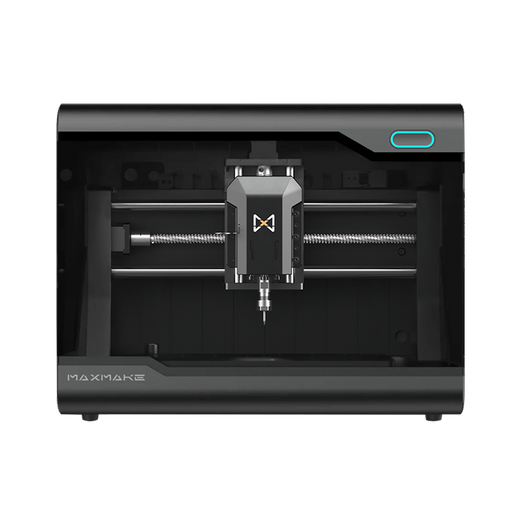
HiMill D1 Desktop CNC Machine
Connect with the MAXMAKE community
Share your projects, discover new ideas, and connect with other makers.
Join Our Community
Share projects, ask questions, connect with makers