DESKTOP CNC FAQ
Which MAXMAKE Desktop CNC should I choose?

Which MAXMAKE Desktop CNC should I choose?
It depends on your projects, materials, and what you want to create.
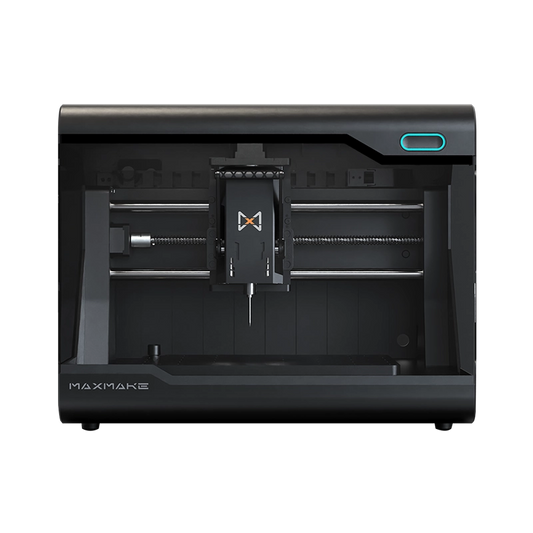
The HiMill D1 is a great choice for makers, hobbyists, educators, and beginners who are exploring CNC machining. It is ideal for projects involving wood, acrylic, plastics, PCB prototyping, engraving, and occasional aluminum machining.
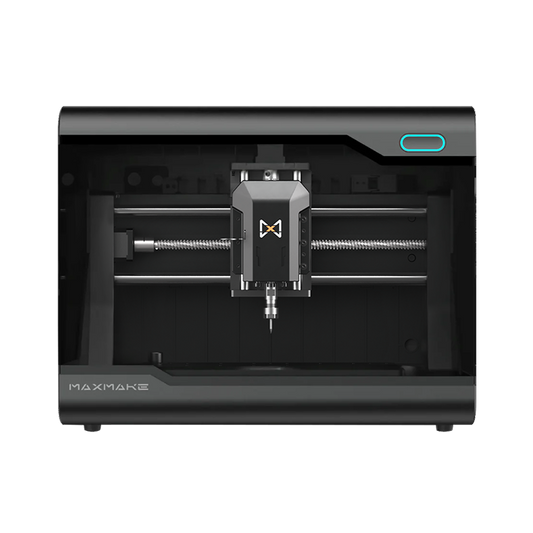
The HiMill D1S is designed for advanced makers who want more capability from a desktop CNC. With a larger working capability, stronger cutting performance, and a more efficient workflow, it is better suited for users creating functional parts, larger projects, and more demanding machining applications.
Not sure which model fits your needs? Choose based on your project goals, materials, and machining requirements.

What materials can MAXMAKE Desktop CNC machines work with?

What materials can MAXMAKE Desktop CNC machines work with?
MAXMAKE Desktop CNC machines are designed for a wide range of materials, including:
Wood
Acrylic
Plastics
PCB
Carbon fiber
Copper
Aluminum

The HiMill series is especially suitable for prototyping, custom parts, engraving, and small-scale manufacturing.
For harder metals such as stainless steel or hardened steel, industrial CNC machines are recommended.

Can a desktop CNC machine cut aluminum?

Can MAXMAKE Desktop CNC machines machine aluminum?
Yes.The HiMill D1 and D1S are capable of machining aluminum with proper tooling and machining settings.
The D1S is especially optimized for aluminum projects with improved rigidity, higher repeatability, and a brushless spindle system.
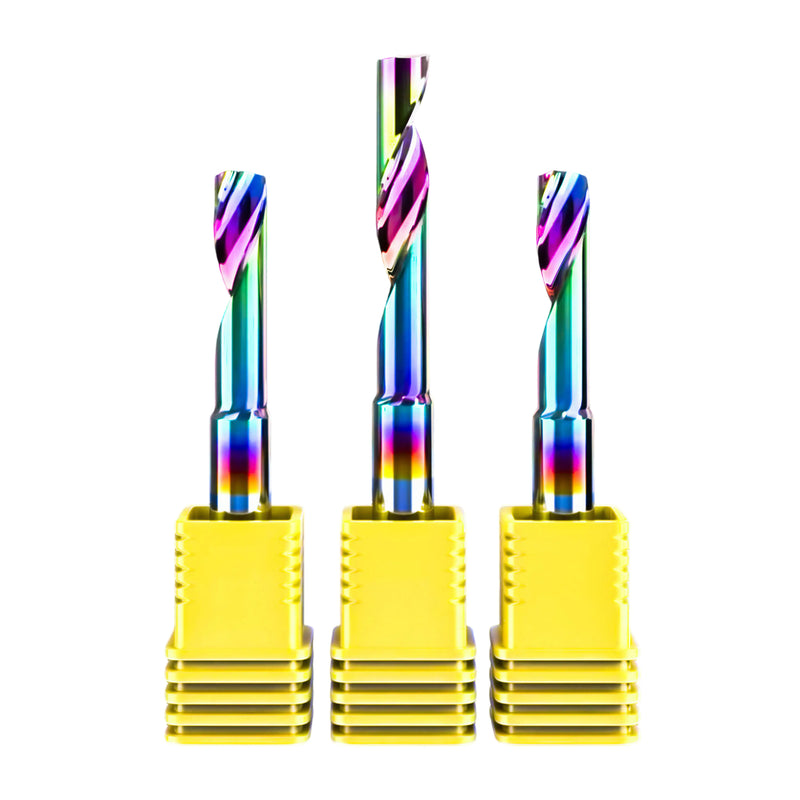
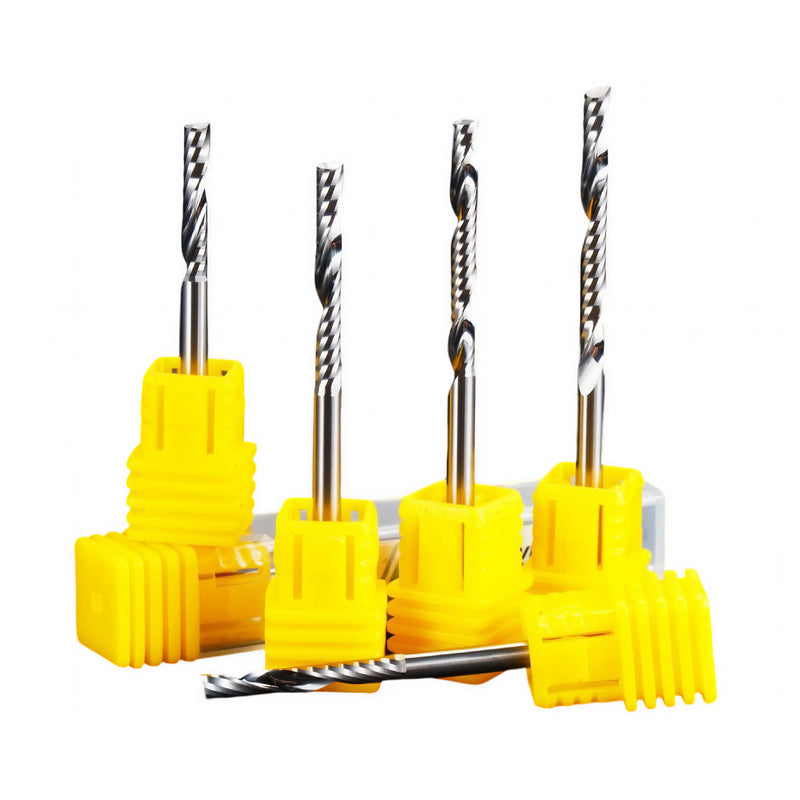
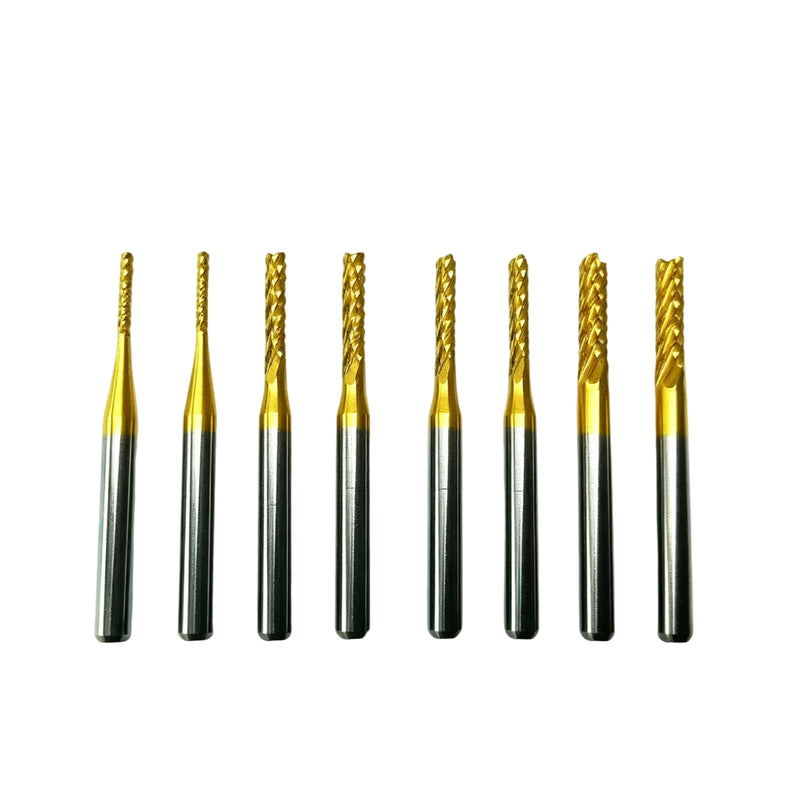
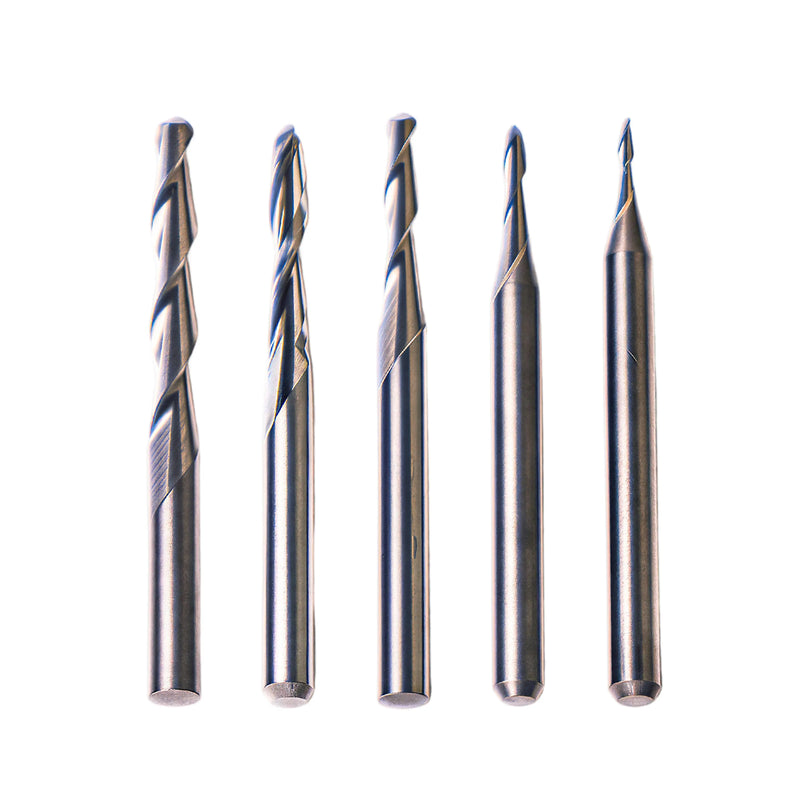
For best results, we recommend using appropriate cutting tools, suitable feeds and speeds, and proper chip removal during machining.

Is MAXMAKE Desktop CNC easy to use for beginners?

Is MAXMAKE Desktop CNC easy to use for beginners?
Yes.The HiMill series is designed to make desktop CNC machining easier for beginners while providing the flexibility experienced makers need.
Each machine comes fully assembled and ready to use out of the box, allowing users to start creating projects without complicated installation.
With MAXMAKE LAB, users can prepare designs, create text, set up machining parameters, generate toolpaths, and preview machining results through an intuitive workflow.
Beginners can start with simple engraving and cutting projects, then gradually explore more advanced CNC techniques as their skills grow.
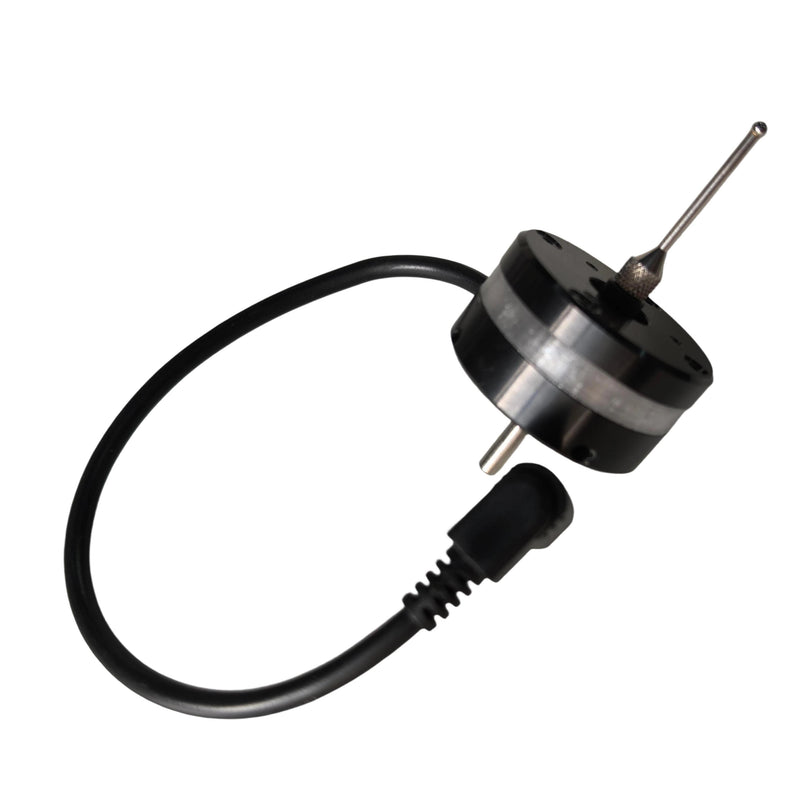
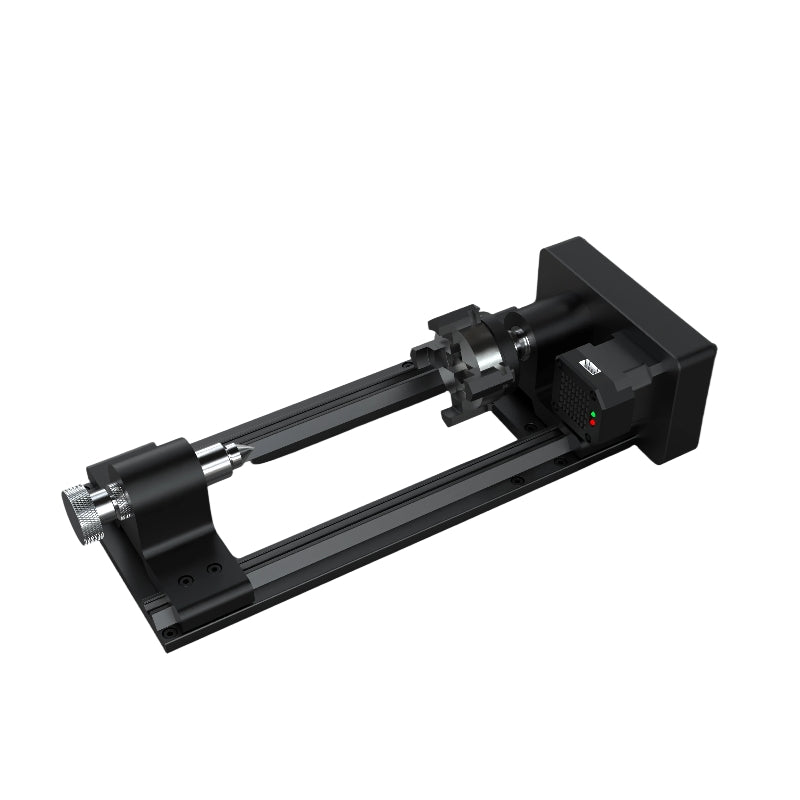
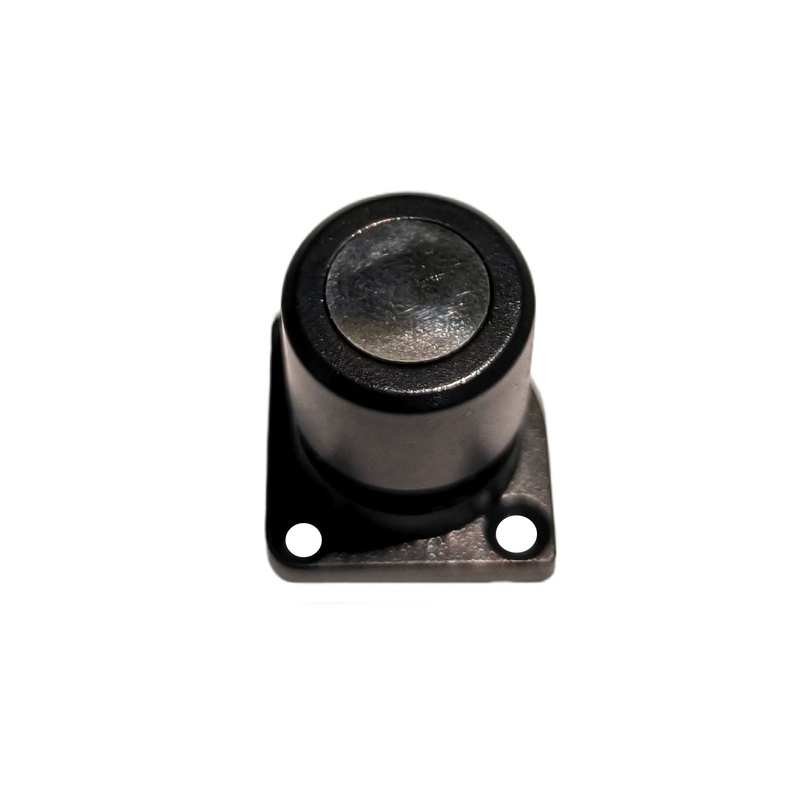
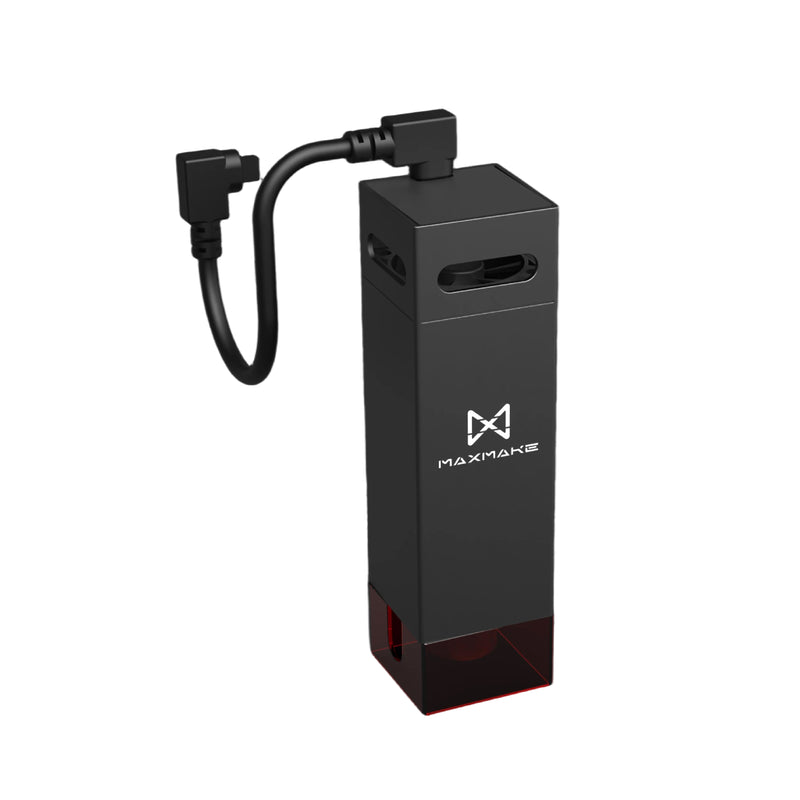
For users who want to expand their capabilities, optional accessories such as the 3D Probe, Rotary Axis, and Laser Module are available to unlock additional applications.

What software does MAXMAKE CNC support?

What software does MAXMAKE CNC support?
MAXMAKE Desktop CNC machines support both MAXMAKE LAB and industry-standard CAD/CAM workflows.
MAXMAKE LAB is our dedicated CNC software designed to simplify the machining process. It allows users to prepare designs, create text, generate toolpaths, preview machining results, and export G-code through an intuitive workflow.
For users who prefer professional CAD/CAM solutions, HiMill also supports popular software such as Fusion 360 and VCarve, providing flexibility for advanced design and machining projects.
Whether you are a beginner starting your first CNC project or an experienced maker using professional tools, HiMill fits into your preferred workflow.

What is the difference between HiMill D1 and D1S?

Both HiMill D1 and D1S are part of the MAXMAKE Desktop CNC ecosystem, designed for makers, educators, and creative workshops.
The main difference is their performance level and machining workflow.
The HiMill D1 is a versatile desktop CNC designed for everyday creative projects, including woodworking, acrylic engraving, PCB prototyping, and general CNC learning. It provides reliable performance and an accessible way to start CNC machining.
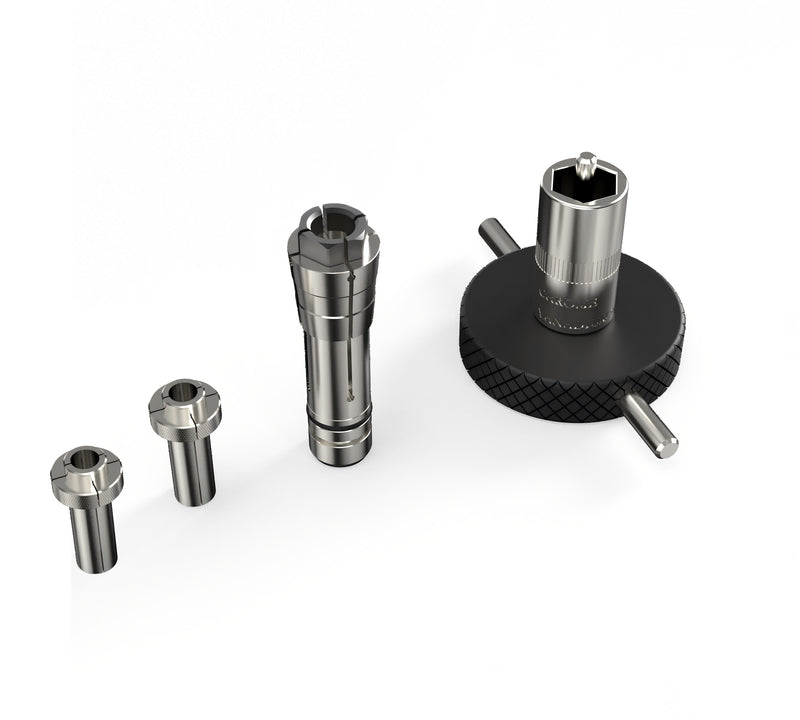
The HiMill D1S is designed for makers who want higher performance and a more efficient machining experience. With improved mechanical structure, higher precision, a brushless spindle, ball screws, and a quick tool change system, D1S is better suited for users who frequently machine aluminum, create functional parts, and need a more advanced CNC workflow.
Choose HiMill D1 for versatility and an easy entry into CNC creation. Choose HiMill D1S for enhanced capability, higher precision, and a more efficient machining experience.