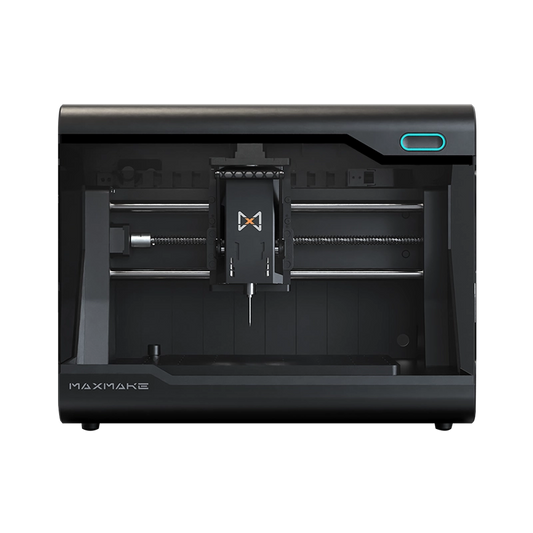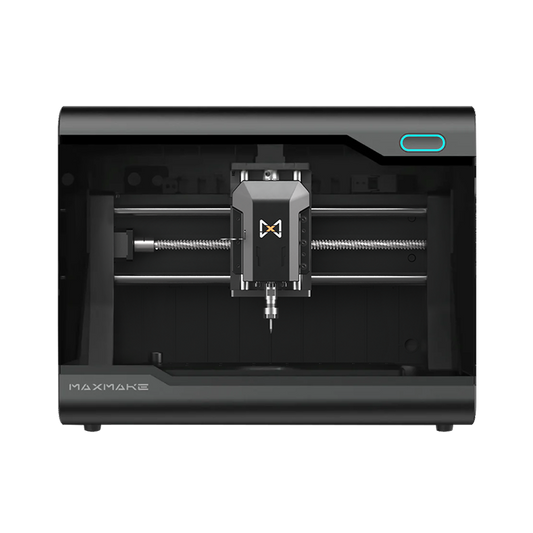


Turn Ideas into Reality

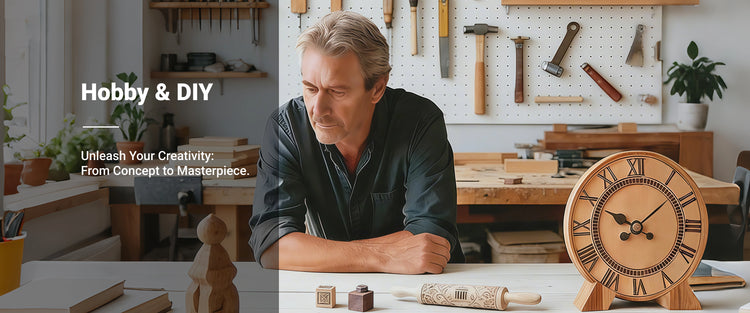
Transform your creativity into one-of-a-kind items with Maxmake. From personalized phone charms to handcrafted creations that reflect your unique style—bring any idea to life.

Wood background Wood
Leather background Leather
Acrylic background Acrylic
Metal background Metal
Other materials background Other materials
Wood material sample 1
Wood material sample 2
Wood material sample 3
Wood material sample 4
Wood material sample 5
Wood material sample 6
Wood material sample 7
Wood material sample 8
Wood material sample 9
Wood material sample 10
Leather material sample 1
Leather material sample 2
Leather material sample 3
Leather material sample 4
Leather material sample 5
Leather material sample 6
Leather material sample 7
Leather material sample 8
Leather material sample 9
Leather material sample 10
Acrylic material sample 1
Acrylic material sample 2
Acrylic material sample 3
Acrylic material sample 4
Acrylic material sample 5
Acrylic material sample 6
Acrylic material sample 7
Acrylic material sample 8
Acrylic material sample 9
Metal material sample 1
Metal material sample 2
Metal material sample 3
Metal material sample 4
Metal material sample 5
Metal material sample 6
Metal material sample 7
Metal material sample 8
Metal material sample 9
Metal material sample 10
Other materials material sample 1
Other materials material sample 2
Other materials material sample 3
Other materials material sample 4
Other materials material sample 5
Other materials material sample 6
Other materials material sample 7
Other materials material sample 8
Other materials material sample 9

Free & Compatible CAM Suite

Learn More >
Maxmake simplifies CNC learning with an intuitive CAM software.
It enables students to explore 2D, 3D, 4th-axis, andlaser projects, making hands-on skill development more accessible.

Simple To Learn

Maxmake simplifies CNC learning with an intuitive CAM software. It enables students to explore 2D, 3D, 4th-axis, and ...

"MaxmakeLAB free forever professional CNC control software for HiMill D1S desktop CNC, no-subscription CAM suite with powerful, user-friendly features"

MaxmakeLAB: Free Forever

Professional CNC control with zero subscription fees. Intuitive, powerful, and permanently free for all users.

"Maxmake HiMill D1S Desktop CNC fully compatible with mainstream CAD/CAM software including Autodesk Fusion 360, seamless integration for CNC machining projects"

Other Supported Software

Maxmake LAB is fully compatible with mainstream CAD/CAM software, providing seamless support for Fusion 360, FreeCAD,...

Your Complete Maker Ecosystem

Verified Project Hub

Verified Project Hub

Download official, ready-to-run CNC projects with verified toolpaths and parameters for quick mastery and instant creation.
Comprehensive Wiki

Comprehensive Wiki

Access our detailed knowledge base for step-by-step setup guides, maintenance routines, and quick troubleshooting.
Extensive Video Library

Extensive Video Library

Explore our official YouTube tutorials. We break down everything from basic unboxing to advanced multi-axis machining in easy steps.
Active Global Community

Active Global Community

Connect with DIY enthusiasts worldwide on Discord. Share projects, get inspired, and enjoy VIP 1-on-1 support from our official engineers.

Ready to Upgrade Your Hobby?

Choose your HiMill model and join the desktop CNC revolution today.

Why Choose MAXMAKE

30-Day Return

30-Day Return

1 Year Warranty

1 Year Warranty

Free shipping

Free shipping

Secure payment

Secure payment

24/7 Expert Service

24/7 Expert Service

In-Stock

In-Stock

FAQs

Filter by topic
All
  • All
Yes! The HiMill arrives 100% pre-assembled. You don't need any prior G-code experience. Our free MaxmakeLAB software provides an all-in-one CAD/CAM workspace with a guided setup wizard and 3D path simulation, making your first cut safe and intuitive.
Absolutely. Thanks to its rigid cast aluminum base, anti-backlash screws, and a 250W spindle, the HiMill is highly capable of machining non-ferrous metals like aluminum, brass, and copper, alongside wood, acrylic, and PCB.
Not at all. The fully enclosed design acts as a sound barrier, keeping operating noise comfortably below 70dB. For dust management, simply connect a standard shop vacuum to the built-in dust port to keep your space clean.
Yes! The HiMill grows with your skills. You can easily expand its capabilities at any time by adding our optional 10W snap-on Laser Module or the 4th-Axis Rotary Module for full 3D machining.
No. MaxmakeLAB is an all-in-one CAD/CAM and control platform that is permanently free for all MAXMAKE users—zero monthly fees. If you already have a preferred workflow, the machine also seamlessly accepts standard G-code from third-party software like Fusion 360 or VCarve Pro.