
🎓MAXMAKE for Education:Students, educators, and schools get 20% OFF sitewide. Contact us to verify:hello@maxmake.com

Customized Education Solutions

K12 Schools

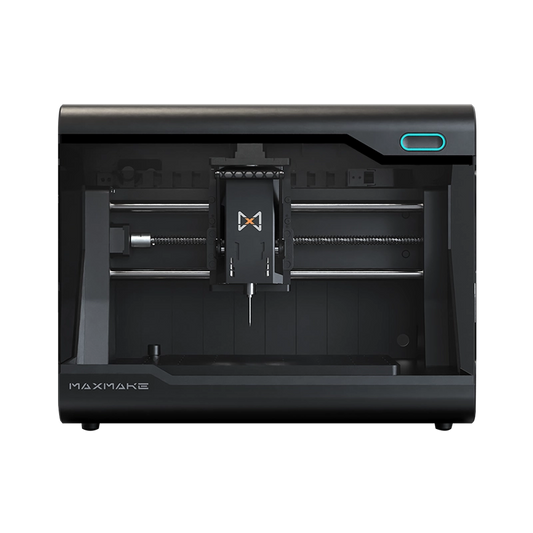
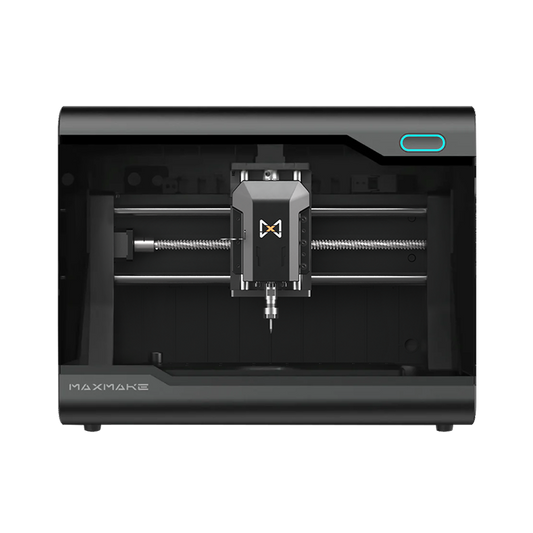
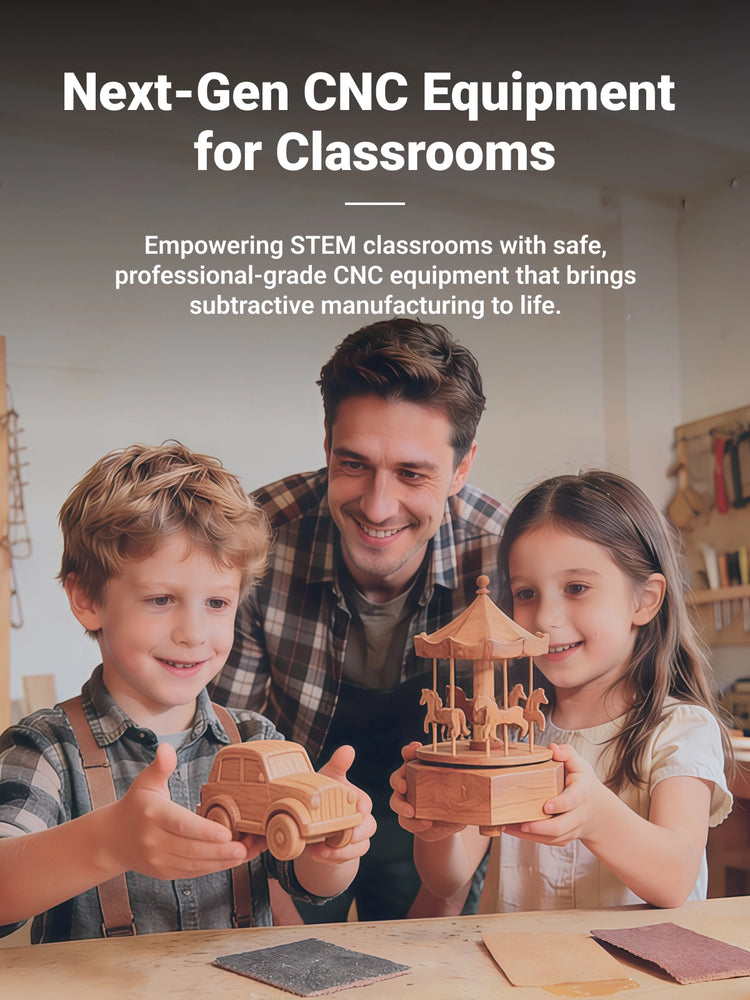
Safe, fully enclosed, and intuitive. Our desktop CNCs transform abstract STEM concepts into tangible reality, helping students develop spatial reasoning and engineering basics in a safe classroom environment.

University/Colleg

Bridge the gap between theory and industrial practice. Ideal for mechanical engineering, industrial design, and architecture faculties to validate designs and produce high-precision prototypes in-house.

Labs 

Innovation happens here. A compact powerhouse for research labs that need precision machining capability without occupying the space of an industrial mill.

Maker Spaces

The heart of any modern FabLab. Built for durability and versatility, our machines empower community members of all skill levels to turn creativity into physical products—from woodworking to metal parts.

Robotics Competition

Gain the competitive edge. Teams can rapidly fabricate custom brackets, chassis, and mechanical parts overnight, allowing for faster iteration and repairs during intense competition seasons.

Vocational Schools/CTE

Industry-standard training at an affordable cost. Prepare students for the workforce by teaching real-world CNC programming and machining skills on equipment that mirrors industrial standards.

K12 Schools
University/Colleg
Labs 
Maker Spaces
Robotics Competition
Vocational Schools/CTE

Built for Learning, Engineered for Safety

Bring hands-on manufacturing to your students without the hazards of a traditional machine shop.

The enclosure blocks flying chips, while the top-mounted Emergency Stop button lets you halt machining instantly.
A rigid 17kg cast aluminum base ensures the machine withstands years of heavy, hands-on classroom use.
The enclosure dampens noise below 70dB. Simply connect a standard vacuum to efficiently manage machining debris.

Bring STEM Curriculum to Life

Seamlessly integrate CNC into your lesson plans. Get inspired by real classroom projects and empower students to build what they design.

Metal background Metal
Wood background Wood
Leather background Leather
Acrylic background Acrylic
Other background Other
Metal material sample 1
Metal material sample 2
Metal material sample 3
Metal material sample 4
Metal material sample 5
Metal material sample 6
Metal material sample 7
Metal material sample 8
Metal material sample 9
Metal material sample 10
Wood material sample 1
Wood material sample 2
Wood material sample 3
Wood material sample 4
Wood material sample 5
Wood material sample 6
Wood material sample 7
Wood material sample 8
Wood material sample 9
Wood material sample 10
Leather material sample 1
Leather material sample 2
Leather material sample 3
Leather material sample 4
Leather material sample 5
Leather material sample 6
Leather material sample 7
Leather material sample 8
Leather material sample 9
Leather material sample 10
Acrylic material sample 1
Acrylic material sample 2
Acrylic material sample 3
Acrylic material sample 4
Acrylic material sample 5
Acrylic material sample 6
Acrylic material sample 7
Acrylic material sample 8
Acrylic material sample 9
Other material sample 1
Other material sample 2
Other material sample 3
Other material sample 4
Other material sample 5
Other material sample 6
Other material sample 7
Other material sample 8
Other material sample 9
Other material sample 10

Flexible Software Workflow

Learn More >
"K12 students learning CNC machining with Maxmake's intuitive CAM software for HiMill D1S desktop CNC, classroom education scene showing easy-to-learn tools"

Simple To Learn

MAXMAKE simplifies CNC learning with an intuitive CAM software. lt enables students to explore 2D, 3D, 4th-axis,and l...

"MaxmakeLAB free forever professional CNC control software for HiMill D1S desktop CNC, no-subscription CAM suite with powerful, user-friendly features"

MaxmakeLAB:Free Forever

Professional CNC control with zero subscription fees. Intuitive, powerful, and permanently free for all users.

"Maxmake HiMill D1S Desktop CNC fully compatible with mainstream CAD/CAM software including Autodesk Fusion 360, seamless integration for CNC machining projects"

Other Supported Software

MaxmakeLAB is fully compatible with mainstream CAD/CAM software, providing seamless support for Fusion 360, FreeCAD, ...

Unlock Your Exclusive 20% Education Discount

Are you a student, educator, or school purchaser? Contact our team to verify your status and enjoy 20% OFF sitewide on all regular-priced CNC machines and accessories.

Trusted by Makers, Loved by Educators

Testimonial Image
For a brand new startup company, maxmake is awesome! My background was always law enforcement and military, but I got into machining about 2012. Earned a degree in computer aided manufacturing shortly thereafter. Worked as a reseller for Mastercam for several years. Programmed tons of parts, and made everything from gun parts to race car parts for Nascar teams. This little machine is more than capable for the simple "artsy" pieces. So far has held a .0015 tolerance over 6 inches. Honestly I can't wait to push it to really see its capabilities. Laser is really nice on wood, does great with minimal smell. Haven't tried any laser metal engraving yet or the 4th axis yet. But I don't anticipate any issues. Tech support is AMAZING! Engineer Shan needs a raise in pay, lol. There's nothing that you can ask that they won't have an answer for. Keep it up guys, looking forward to many years ahead.
Avatar
Jeremy Norville
Testimonial Image
So this is my second CNC machine, but first machine that actually feels like real CNC machine. With that being said I'm definitely a noob still when it comes to CNC but I was able to carve aluminium on the very first day I got the machine. The Maxmakelab unfortunately does lack a lot still but fortunately Maxmake provides already presets and postprocessor for Fusion360 and that works just fine. So long story short - I'm really happy with the machine, Maxmake as company seems to be commited to improving the software and it's easy to get help on maxmake discord server.
Avatar
David
Testimonial Image
This machine is great, and really easy to use. And the support from the engineers has been great as well. I've only had problems once so far but they replied back fast and made it really easy to fix my issue. This has been my 2nd time using a cnc machine the first was a professinal machine at college while i was being supervised by a professor but it felt super user friendly. I made my first cut about 2 hours after setting it up and watching 1 youtube video on how to use fusion 360 to make the NC code, and im proud to say it came out perfect. I hope to make lots of other project with aluminum for my car. Hope to see what else maxmake comes up with in the future.
Avatar
Alan Rascon
Testimonial Image
I been watching them since I saw the advert on Facebook that was taking the deposit down for two tools and at the same time as soon as the campaign started on kick start a jump straight onto it and kept an eye on the concerts and watching the videos and yes he took about 41 days to hit the UK and then about another 10 days for it to clear customs and then got delivered today but also at the same time with the accessory pack of all the different woods and metals which was quite handy as the first time user of the CNC machine can’t wait to get into it a bit more. Learning how to use it and definitely be buying some accessories at a later date.
Avatar
Carl Fynn

A Dedicated Partner in Education

Verified Project Hub

Verified Project Hub

Download official, ready-to-run CNC projects with verified toolpaths and parameters for quick mastery and seamless classroom integration.
Comprehensive Wiki

Comprehensive Wiki

Access our Wiki for step-by-step setup guides, routine maintenance tips, and fast troubleshooting to minimize downtime.
Extensive Video Library

Extensive Video Library

Explore our official YouTube tutorials. We break down everything from basic unboxing to advanced multi-axis machining in easy steps.
Active Global Community

Active Global Community

Join our active maker community on Discord and Facebook to share ideas, find inspiration, and get 1-on-1 technical support.

FAQs

Find answers to common education questions below. For bulk orders or custom solutions, email us at hello@maxmake.com.
Filter by topic
All
  • All

Yes. The HiMill features a fully enclosed design that contains flying debris. For added peace of mind, an easily accessible Emergency Stop button is located on the top panel, allowing teachers to halt operation instantly.

No. It runs on standard household power (110V/220V), and we will automatically provide the correct power cord based on your shipping country. For dust and debris management, simply connect the built-in dust port to a standard commercial shop vacuum to keep your classroom clean.

No. For beginners, we provide ready-to-run project files so students can start machining immediately. As their skills grow, students can design and generate standard G-code in industry-standard software like Autodesk Fusion 360. Our intuitive MaxmakeLAB controller makes executing those files safe and straightforward.

The HiMill is incredibly versatile. Students can safely carve woods, MDF, acrylics, PCB boards, and even machine non-ferrous metals like aluminum and brass for more advanced engineering projects.

Absolutely. We proudly support STEM education. Please email us at hello@maxmake.com with your school credentials to access exclusive pricing and arrange PO payments.