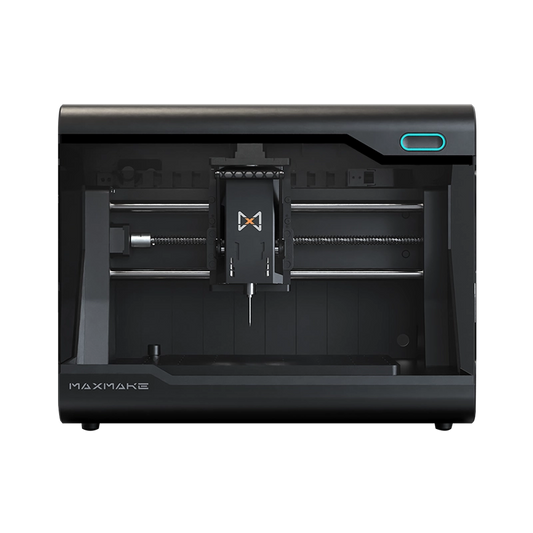
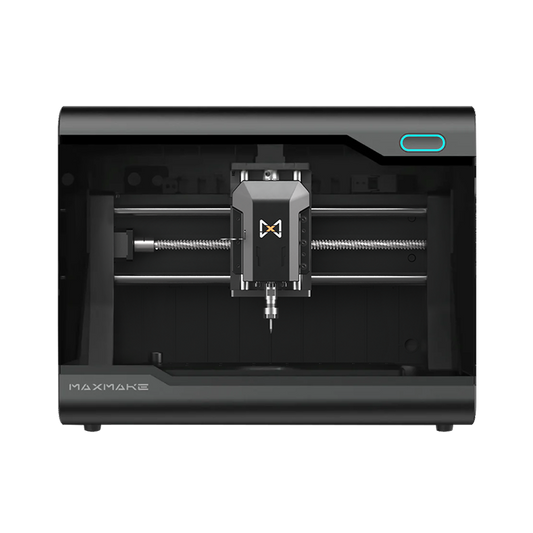
DIY Metal Jewelry: Machining a "Rock Texture" Aluminum Ring with HiMill D1S Rotary Axis
Playing with desktop CNC? You have to try the rotary axis! Today, I’m taking on the challenge of using the HiMill D1S equipped with its 4th-axis rotary module to transform a standard aluminum tube into a textured, industrial-style "Rock Pattern" ring.
Forget expensive casting equipment. We are using subtractive manufacturing to create personalized, hardcore jewelry. At the end of this post, you’ll find the exact aluminum tube specifications and machining parameters.
🛠️ Project Overview
- Project Name Industrial Rock Texture Aluminum Ring
- Equipment HiMill D1S Desktop CNC + Rotary Axis Module (4th Axis)
- Core Challenge 4-Axis simultaneous (wrapped) machining + aluminum curved surface engraving
- Features Unique faceted texture, lightweight, custom sizing
- Difficulty ⭐⭐⭐⭐ (Requires rotary axis zeroing and CAM knowledge)
- Machining Time Approx. 1 Hour
- Material 6061 Aluminum Alloy Tubing
📋 Step 1: Preparation - Material Selection & Sizing
When making a ring, size is paramount. Using aluminum tubing instead of solid bar stock significantly reduces machining time and material waste.
Bill of Materials (BOM):
-
Raw Material: 6061 Aluminum Alloy Tubing.
- Specifications: Outer Diameter (OD) 20mm, Inner Diameter (ID) 17mm, Wall Thickness 1.5mm. (Note: [20-17]/2 = 1.5mm wall).
- Length: 5cm (Ensure enough length for chuck gripping to prevent crashes).
- Sizing Tip: ID 17mm ≈ US size 6.5 (HK 13-14). For different sizes, buy corresponding tubing or bore the hole on the CNC first.
-
Recommended Tooling:
- Primary Carving: 1.5mm Single Flute Up-cut Spiral End Mill (O-flute helps prevent aluminum chip welding).
- Finishing (Optional): Use an R0.5 Ball Nose for finer textures, or a flat/bull nose mill for the rugged look shown here.

💻 Step 2: Design & CAM - Unwrapping the Cylinder
The core logic of rotary machining is "unwrapping" the cylindrical surface into a flat plane for design purposes.
Step 2.1: Designing the Flat Pattern (Unwrapped Geometry)
-
Canvas Dimensions:
- Width (X-Axis): The desired ring width [e.g., 6mm - 8mm].
- Height (Y/A-Axis): The aluminum tube circumference. Calculation: 20mm (Diameter) × 3.14 (π) ≈ 62.8mm.
- 3D Texture Generation: I used a "Random Noise" or "Low Poly" height map to generate this irregular, faceted rock effect.
🚨 CRITICAL SAFETY NOTE: The deepest part of the texture must NOT cut through the tube wall! Since the wall thickness is only 1.5mm, I strongly recommend keeping the Max Relief Depth (Depth of Cut) between 0.5mm and 0.8mm.
Step 2.2: Rotary Axis Setup in CAM
In your CAM software (e.g., Carveco, Fusion 360, Luban):
- Enable Rotary Axis: Select the rotary option and input stock diameter as 20mm.
- Work Origin (Zero Point): Typically set to Center Axis (recommended for higher error margin) or Cylinder Surface.

⚙️ Step 3: CNC Machining Process
Transforming the HiMill D1S into a miniature machining center!
- Workholding (Clamping): Securely clamp the aluminum tube in the 3-jaw chuck. Important: Ensure suitable stick-out length to avoid hitting the base while reaching the ring area.
-
Tool Zeroing:
- Z-Axis: Tool tip touches the highest point of the tube surface.
- Y-Axis: Align tool exactly with the tube's centerline.
- Carving Operation: Thin-walled aluminum heats fast. Use intermittent alcohol spray for cooling and chip evacuation. Watch as the tool shaves off bright chips to reveal the texture.
-
The Cut-Off (Parting Off) —— CRITICAL STEP! Once textured, the ring needs separation.
Technique: Leave a thin tab (0.1mm - 0.2mm) holding the ring, then finish manually with a saw.
⚠️ SAFETY WARNING: Do not cut completely through on the machine! The ring will fly off, potentially causing damage or injury.

🎨 Step 4: Post-Processing - Finishing for Comfort
A ring fresh off the machine will have sharp, dangerously burred edges. Post-processing is essential for wearability.
- Manual Cut-Off: Remove from chuck and use a hacksaw to cut the remaining tab.
- Internal Deburring (Comfort Fit): Use 400-1000 grit sandpaper wrapped around a dowel to sand the inside. Key Focus: Sand inner edges into a smooth radius (fillet) so it doesn't scratch your finger.
-
Surface Finishing:
- Machined Look: Retain micro-tool marks for an authentic mechanical aesthetic.
- Weathered/Aged Look: Apply black polish/paint and wipe off high spots to darken crevices and enhance depth.
🎉 Step 5: Final Showcase
Worn on the hand, this ring refracts light with a tough, rugged brilliance.
HiMill D1S Conclusion:
- Rotary Precision: Even on the curved surface, the rock texture facet edges remained sharp and clear, with no visible seam misalignment.
- DIY Freedom: A few dollars of aluminum tubing yields multiple custom rings, cheaper and more personalized than buying.
If you have a rotary axis attachment collecting dust, don't let it sit idle. Try this project and make a pair of unique rings!

📥 Download Project Files
Ready to make your own? Get the design files here.
Download Ring.zip via Google Drive
HiMill D1 Desktop CNC Machine
Connect with the MAXMAKE community
Share your projects, discover new ideas, and connect with other makers.
Join Our Community
Share projects, ask questions, connect with makers